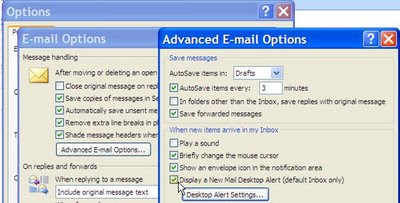
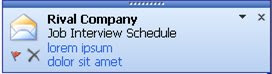
Sometimes you are working in your profile on the public floor and you do not want the New Message Alert to fade in and out for the patron or customers to see.
To remove the New Message Alert: 1. Click on Tools on the Toolbar 2. Select Options 3. Click on Email Options 4. Click on Advanced E-Mail Options 5. Click off Display a New Mail Desktop Alert.
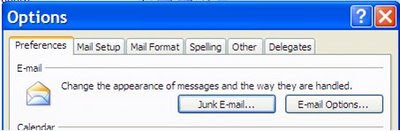 4. Click on Advanced E-Mail Options